

Earlier Versions
| Name | Size | Uploaded | Game Version | Downloads | |
| QuickHide-v3.22.zip release | 51.44 KB | Jan 14, 2017 | 1.2.2 +2 | 298 |  Download Download |
| QuickHide-v3.21.zip release | 51.38 KB | Dec 9, 2016 | 1.2 +1 | 52 | Download |
| QuickHide-v3.03a.zip release | 47.69 KB | Nov 13, 2015 | 1.0.5 +4 | 310 | Download |
| QuickHide-v3.03.zip release | 47.72 KB | Nov 13, 2015 | 1.0.5 +4 | 217 | Download |
| QuickHide-v3.02.zip release | 47.37 KB | Jun 25, 2015 | 1.0.4 +3 | 172 | Download |
| QuickHide-v3.01.zip release | 47.34 KB | May 17, 2015 | 1.0.2 +1 | 144 | Download |
| QuickHide-v3.00.zip release | 46.48 KB | May 11, 2015 | 1.0.0 | 94 | Download |
| QuickHide-v2.00.zip release | 35.40 KB | Feb 13, 2015 | 0.90 | 130 | Download |
| QuickHide-v1.01.zip release | 90.34 KB | Dec 23, 2014 | 0.90 | 161 | Download |
| QuickHide-1.00.zip release | 795.55 KB | Dec 9, 2014 | 0.25 | 110 | Download |
Screenshots
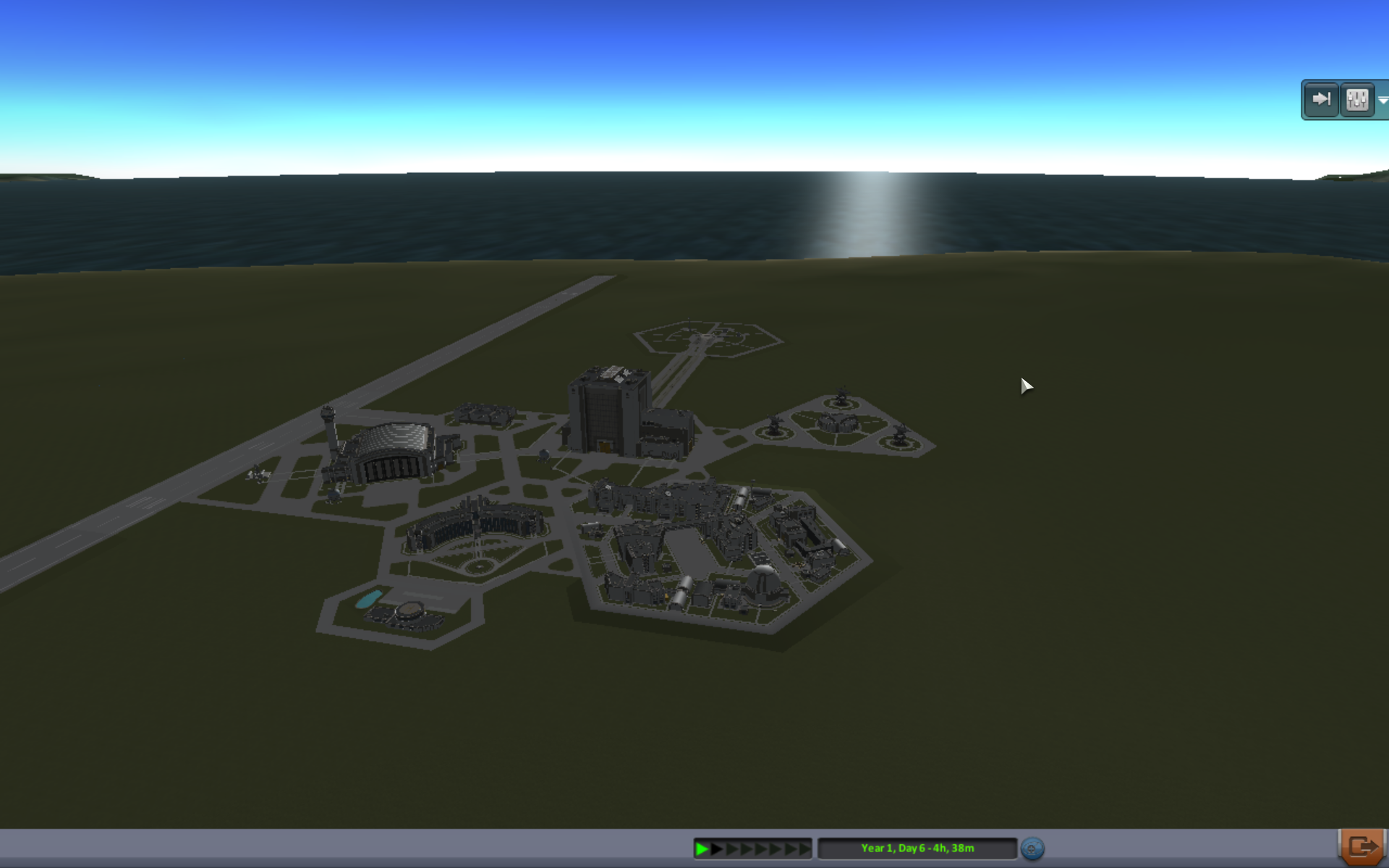
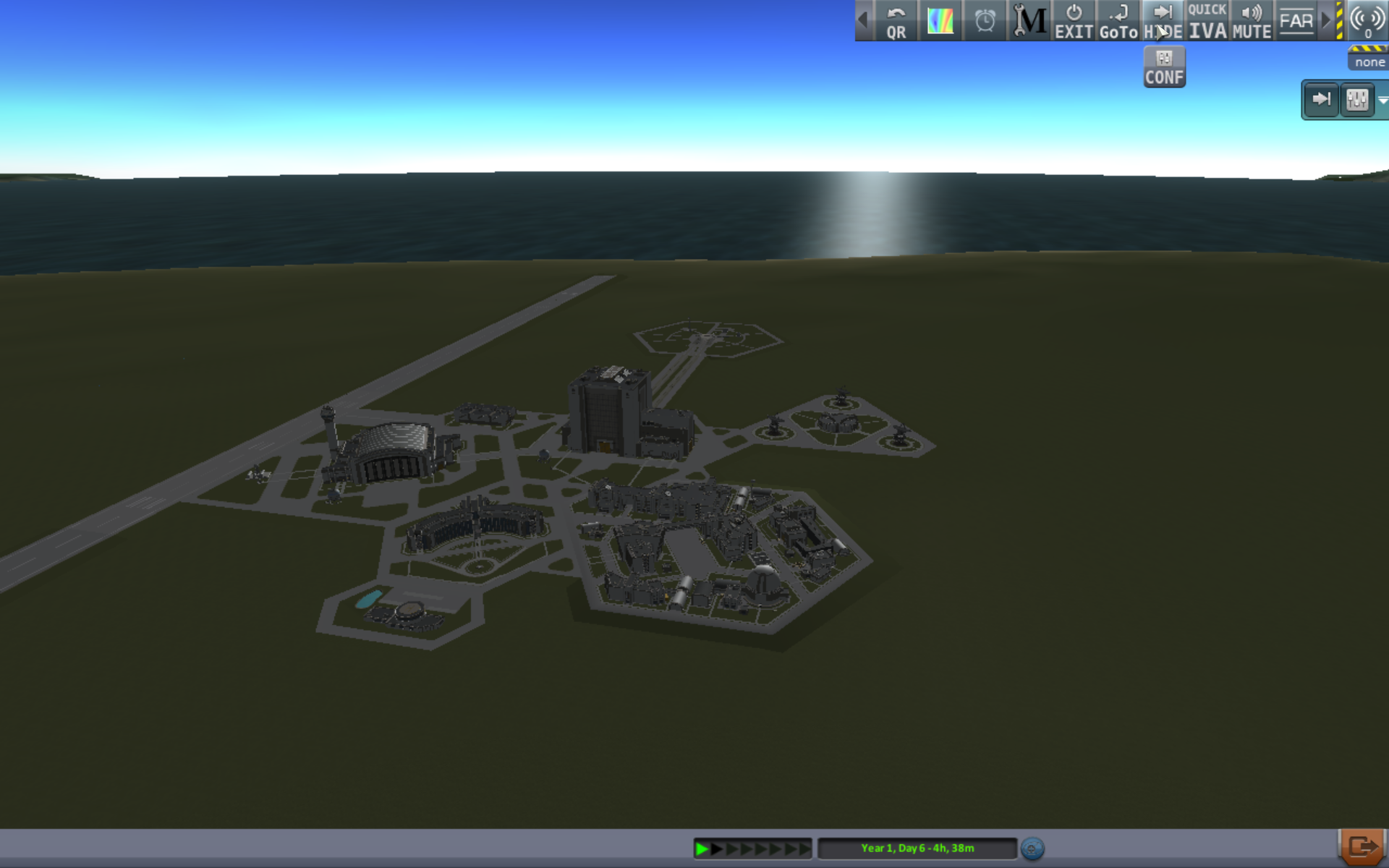
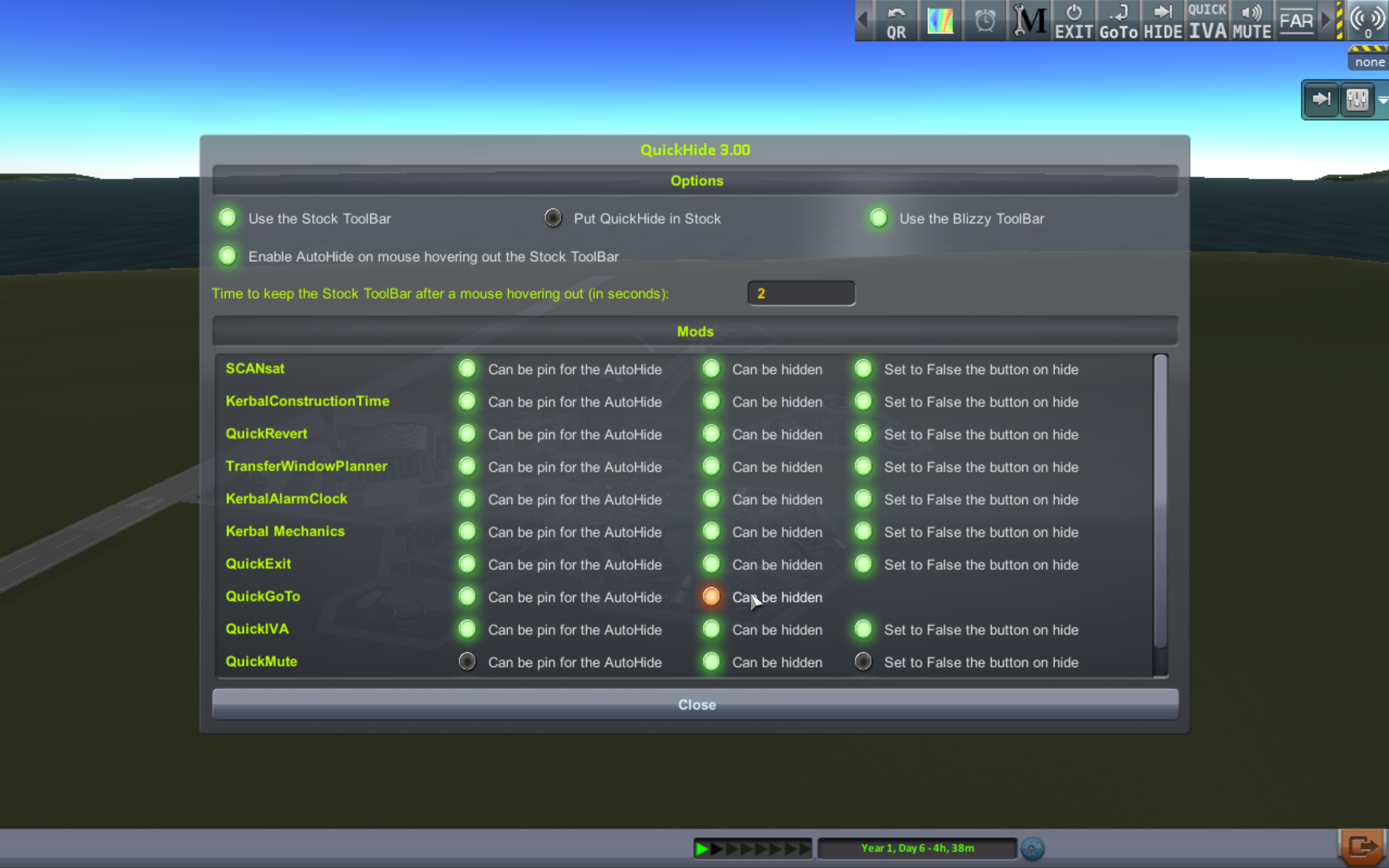
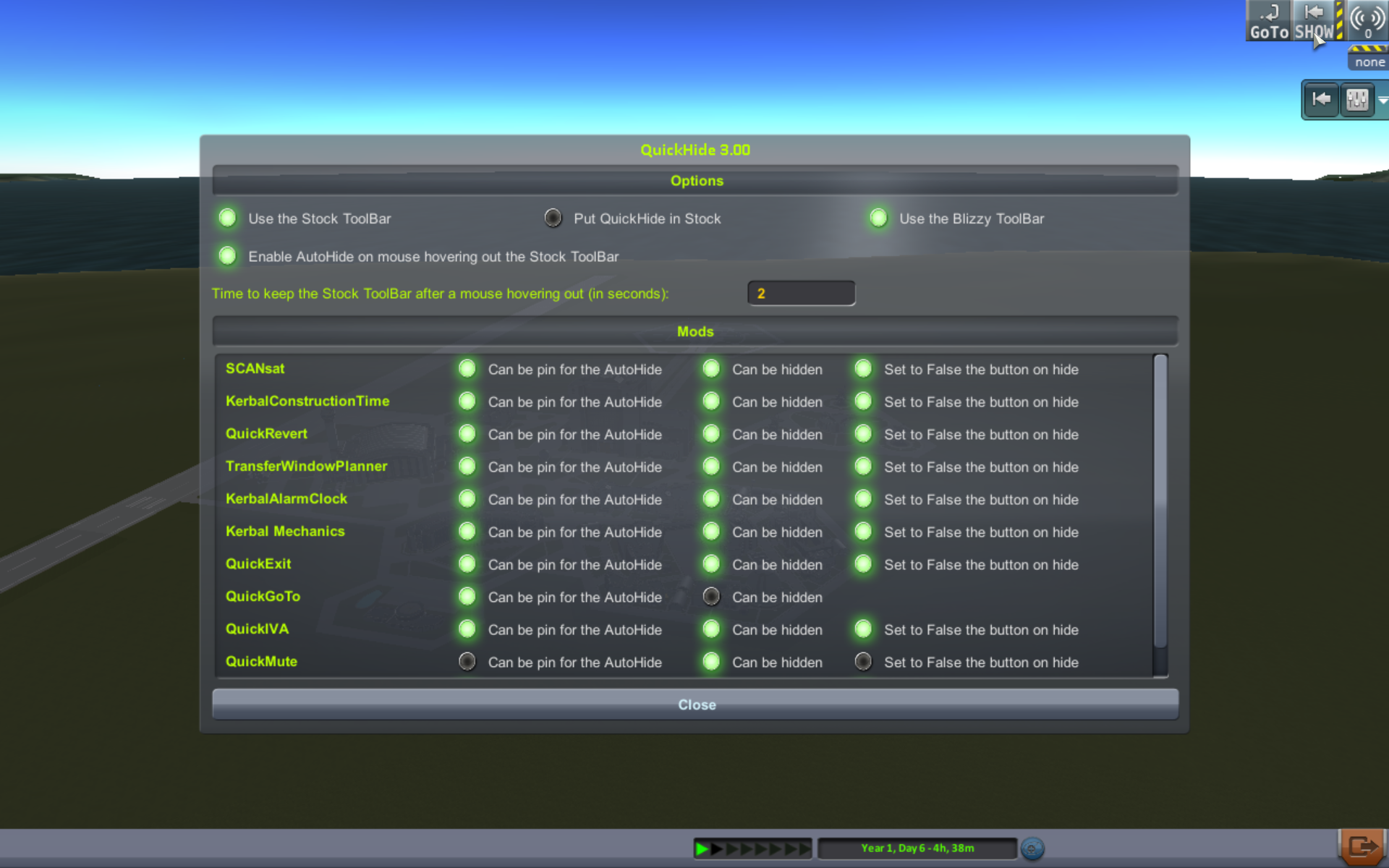
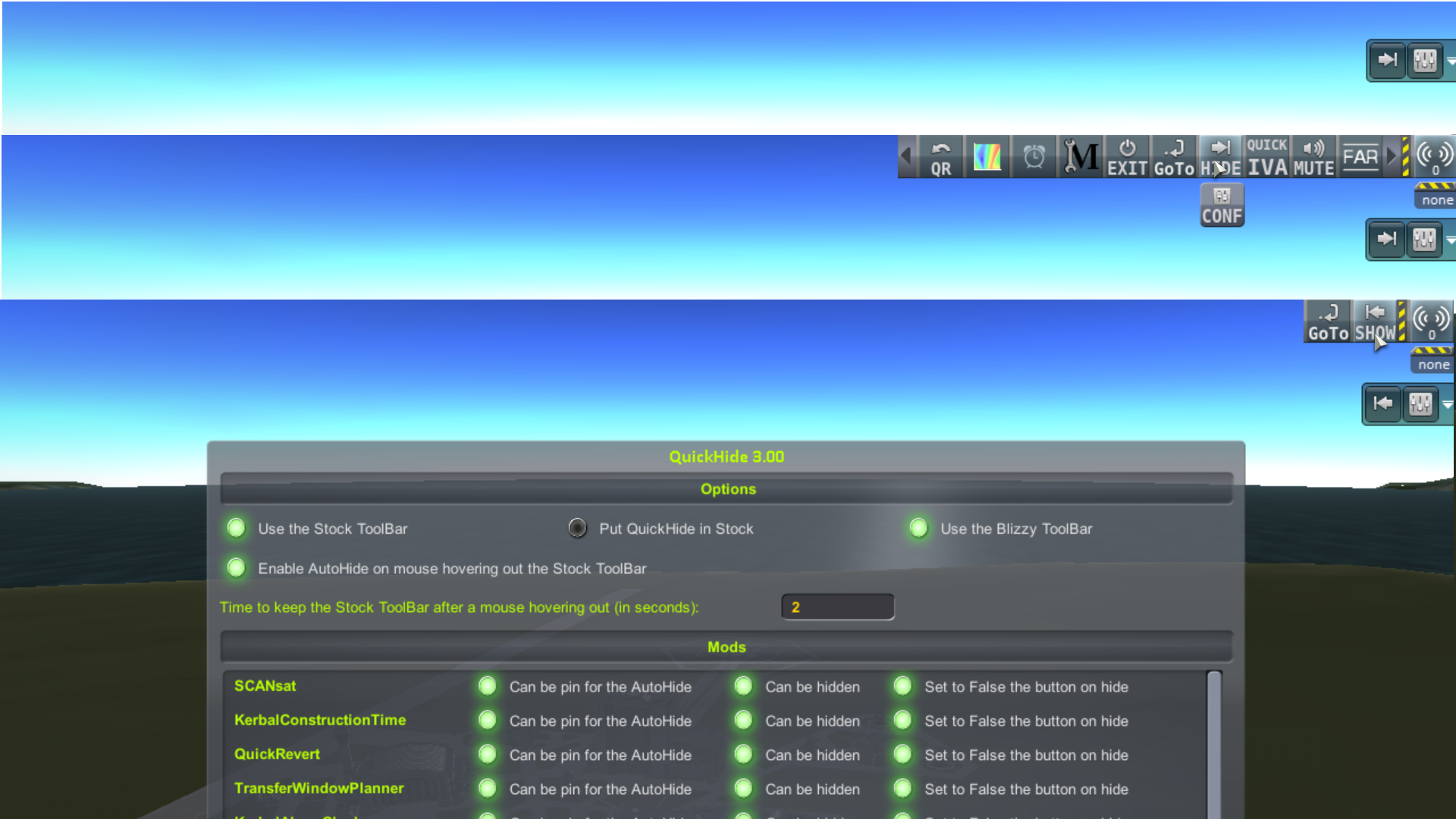
Description
What is it?
QuickHide is a plugin which adds the possibility to hide the stock toolbar and the mods of the stock toolbar.
How does it work?
You have two solutions to use QuickHide:
- with the mouse: Put your mouse where is the stock toolbar and it will be shown,
- with the Buttons to hide/show the mods of the stock toolbar.
How to install it?
Unzip all files. Put the QuickHide folder in your KSP/GameData folder.
How to update it?
Unzip all files. Merge the new QuickHide folder with the old folder which is in your KSP/GameData folder.
How to uninstall it?
Delete the QuickHide folder in your KSP/GameData folder.
Thanks!
- to Canauos to have requested this mod,
- to blizzy for his Toolbar mod,
- to Matthieu James for the Faenza icon theme,
- to all other mod developers which make this game really huge,
- to my friend Neimad who corrects my bad english …
- and to Squad for this awesome game.
Links
- http://forum.kerbalspaceprogram.com/threads/95168#QuickHide
- https://kerbalstuff.com/mod/396/QuickHide
- http://kerbal.curseforge.com/ksp-mods/226070-quickhide
- https://github.com/malahx/QuickHide
- Toolbar: http://forum.kerbalspaceprogram.com/threads/60863
- Faenza icon theme: http://gnome-look.org/content/show.php/Faenza?content=128143
Add a comment