


Earlier Versions
| Name | Size | Uploaded | Game Version | Downloads | |
| Star Citizen Constellation Phoenix.zip release | 34.69 KB | Aug 20, 2014 | 0.24.2 +3 | 987 |  Download Download |
Screenshots
Description
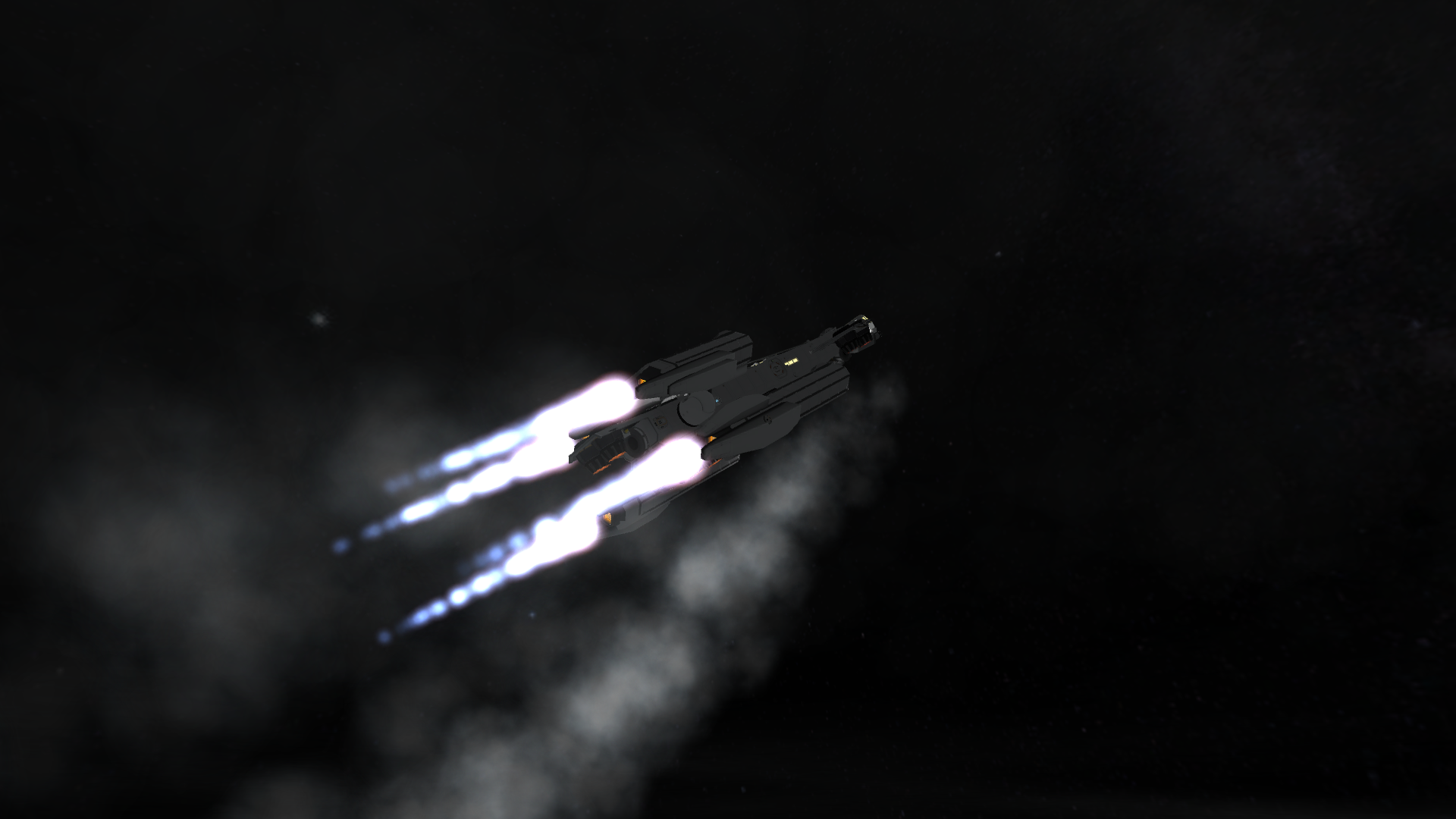
This is a working replica of the Star Citizen ship Constellation Phoenix Variant with Snub Fighter and Rover. Replace the Lack Luster Labs 1×1 nuclear engine config file with the one provided. It adds the new effects and ups their power and Isp. http://imgur.com/a/UYSsm
Action Groups:
1. Toggle All Jet Engines
2. Toggle All Intakes
3. Toggle Nuclear Engines
4. Toggle Cargo Bay
5. Toggle Extendable Docking Port
6. Toggle Weapons
7. Toggle Front Jets
8. Toggle Rear Jets
How to Fly: Press Spacebar to activate jet engines. Turn on SAS and RCS. Full Throttle. Lift vertically until 10km. Press Spacebar to activate nuclear engines. Pitch up to 45 degrees. Press 1 & 2 at 20km to turn off jets and close intakes. Push apoapsis to 100km and cut engines. Cost to apoapsis and burn to complete orbital insertion! Rover connects with port on top in cargo bay. Snub fighter connects in back/
You will need:
Bobcat DEMV ANT: http://kerbal-space-parts.com/space/modpart-demv-mk-5-3385.html
Lack Luster Labs: http://forum.kerbalspaceprogram.com/threads/24906-WIP-LLL-Lack-Luster-Labs-LLL-12-2-10MAY2014-SXT-16-5-28JUN2014-KSC-v2
B9: http://forum.kerbalspaceprogram.com/threads/25241-0-22-B9-Aerospace-Pack-R4-0c-New-pods-IVAs-engines-fuselages-structures
Hybrid Ion Engine Pack: http://forum.kerbalspaceprogram.com/threads/31286-0-22-Ion-Hybrid-Electric-Pack-30-08-13-Soon-FKSP!!!-See-Development-Monitor
BD Armory: http://forum.kerbalspaceprogram.com/…-angles)-Aug-3

![[Ati’s] MSL-V + Rover](https://kspmod.com/wp-content/themes/template/img/scrs/atis-msl-v-rover/screenshots/atis-msl-v-rover-scr-1-mini.jpg)


Add a comment